E-mail: info@gem-cablesolution.com
 Address: No.8 Yuefeng Rd, High Tech Zone, Dongtai, Jiangsu, China | No.109 Qilin East Rd, Daning, Humen, Dongguan, Guangdong, China.
 English
  English
 русский
 日本語
日本語 Español
 عربى
عربى 中文简体
中文简体



SATA cables — short for Serial Advanced Technology Attachment — are the slim, flat data and power interconnects that link storage devices such as hard disk drives (HDDs), solid-state drives (SSDs), and optical drives to a computer's motherboard or host adapter. Without them, none of your drives can talk to your system or receive the power they need to operate. If you have ever opened a desktop PC and spotted a thin, 7-pin flat ribbon running from the motherboard to your SSD, you were looking at a SATA data cable. A wider 15-pin variant right beside it was the SATA power cable — together they keep every byte flowing smoothly.
Introduced commercially around 2003, SATA replaced the bulky PATA (Parallel ATA) ribbon cables that dominated PCs through the 1990s. The switch dramatically improved airflow, cut cable bulk, and pushed maximum internal transfer speeds from PATA's ceiling of 133 MB/s all the way to SATA III's 600 MB/s. Today, the standard remains a backbone of consumer and enterprise storage — and understanding exactly how it works helps you build faster machines, troubleshoot connectivity issues, and choose the right cable for every job.
How SATA Cables Work Inside a Computer
SATA uses serial signaling — it sends data one bit at a time down a single differential pair — rather than the parallel approach of its predecessor that sent multiple bits simultaneously across many conductors. Counterintuitively, serial transmission is faster in practice because it eliminates the cross-talk and synchronization problems that cap parallel interfaces at high frequencies.
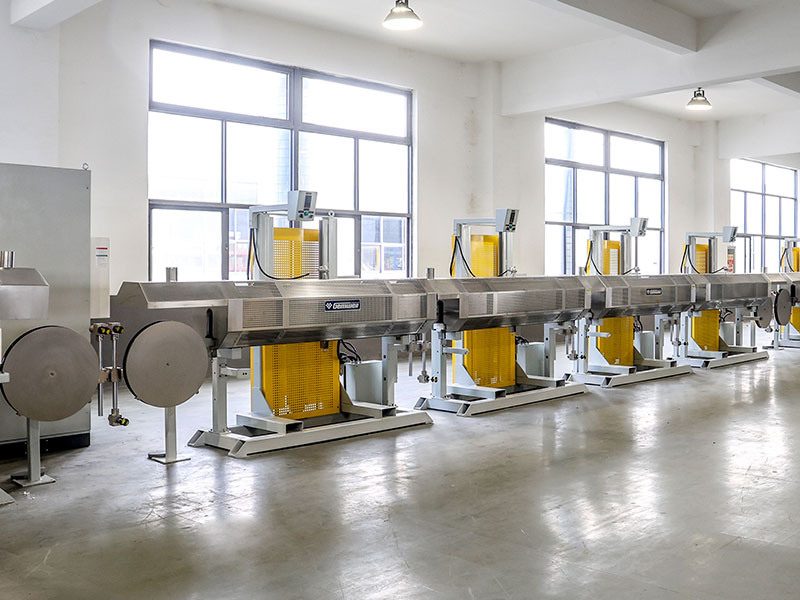
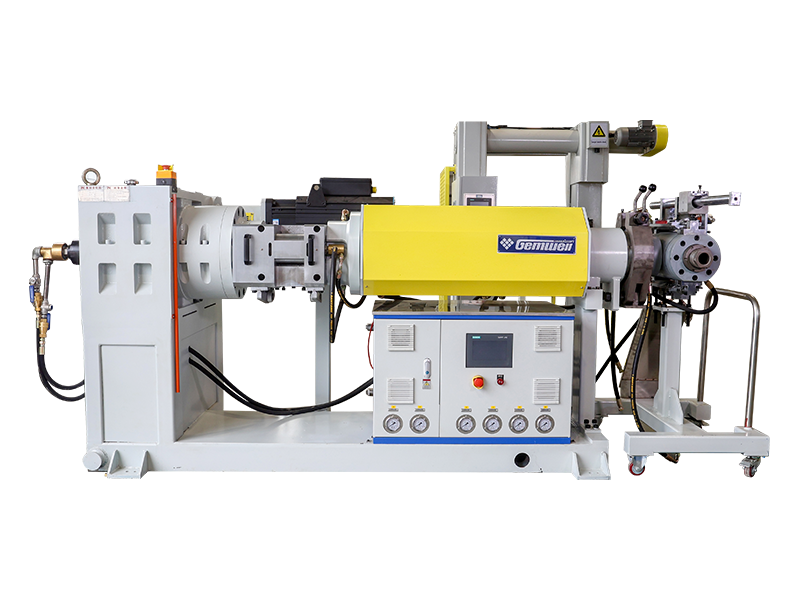
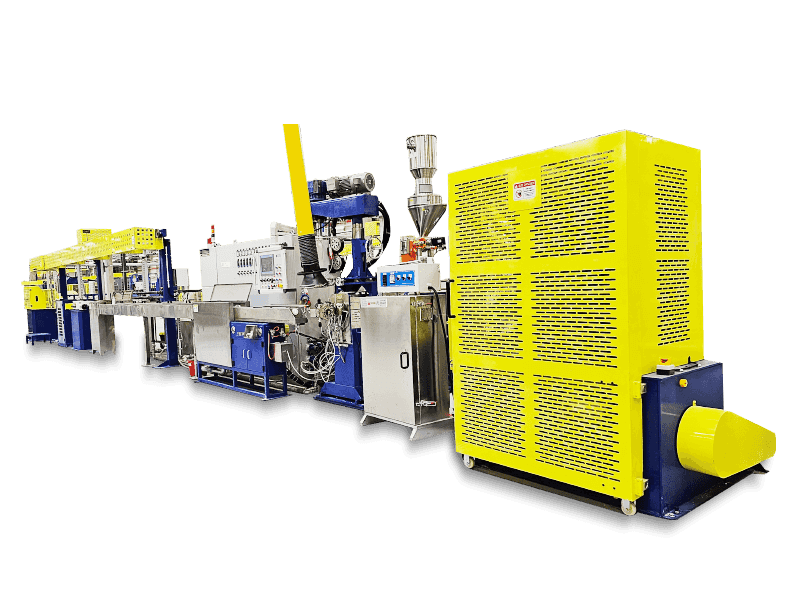
Inside the SATA data cable you will find four copper conductors arranged as two differential pairs, each shielded to reduce electromagnetic interference (EMI). The cable's flat, twinaxial (twinax) structure keeps those pairs adjacent, which is why SATA cables are so much thinner than old 40- or 80-wire PATA ribbons. A wire and cable extruder produces the outer sheath — typically a PVC or LSZH compound — during manufacturing, pressing the jacket uniformly over the shielded conductors to ensure consistent impedance along the entire length.
The 7-pin SATA data connector locks into matching ports on both the motherboard and the drive. A small plastic latch on locking variants prevents accidental disconnection — important in vibration-prone server environments. The separate 15-pin SATA power connector delivers three voltage rails: +3.3 V DC, +5 V DC, and +12 V DC, covering both low-power electronics and the motor spindles inside mechanical HDDs.
 Related Products