E-mail: info@gem-cablesolution.com
 Address: No.8 Yuefeng Rd, High Tech Zone, Dongtai, Jiangsu, China | No.109 Qilin East Rd, Daning, Humen, Dongguan, Guangdong, China.
 English
  English
 русский
 日本語
日本語 Español
 عربى
عربى 中文简体
中文简体



Content
- 1 How an Ethernet Cable Carries Data
- 2 Ethernet Cable Categories: What the Numbers on the Jacket Mean
- 3 Shielding and Conductor Construction: What Affects Real-World Performance
- 4 Ethernet vs Wi-Fi: Where a Wired Connection Wins
- 5 How to Choose the Right Ethernet Cable for Your Setup
- 6 From Copper Wire to Ethernet Cable: Inside the Production Process
- 7 Frequently Asked Questions About Ethernet Cables
- 7.1 What is the best Ethernet cable for home use?
- 7.2 Does a higher category cable make the internet faster?
- 7.3 How long can an Ethernet cable be before the signal degrades?
- 7.4 Is shielded cable necessary in a normal house?
- 7.5 Can I use a Cat8 cable with an older router that has 1 Gbps ports?
- 7.6 Why does one Ethernet cable feel much stiffer than another?
At the back of every router there is at least one port shaped like a wide telephone socket, and the cable that fits into it is an Ethernet cable. In plain terms, an Ethernet cable is a twisted-pair copper cable that carries data between devices on a wired network. It connects routers, switches, modems, computers, game consoles, and industrial equipment through electrical pulses that travel along eight copper wires arranged as four twisted pairs. If you take away one fact from this article: the category printed on the jacket tells you the maximum speed and bandwidth the cable is designed to sustain, and for most current home and office networks, Cat6 is the most balanced choice.
What separates a good Ethernet cable from a poor one is not the raw copper alone, but the precision of the manufacturing process. Two cables with the same category can perform very differently because the category specification sets minimum electrical requirements, and the consistency of twisting, insulation, and sheathing decides how close a cable gets to its theoretical limit. That is why network engineers look at the production line as much as the label when a wired network misbehaves.
How an Ethernet Cable Carries Data
Ethernet transmission works with differential signaling. Each twisted pair carries the same signal twice, once inverted, and the receiving circuit subtracts one from the other, treating what remains as the data. If electromagnetic noise hits both wires equally, that noise disappears during subtraction. Twisting keeps the two conductors close together so they receive nearly identical interference, which is precisely why twisted pairs survive in electrically noisy environments.
The four pairs in an Ethernet cable are intentionally different. Each pair is twisted with a slightly different lay length, which is the distance needed to complete one 360-degree turn. Different lay lengths prevent crosstalk between pairs from lining up constructively along the cable. Tighter twists improve crosstalk margins but increase attenuation, so the final twist rate is a compromise engineered into the cable design.
Modern Gigabit and faster Ethernet uses all four pairs simultaneously in both directions with echo cancellation. Older 10BASE-T and 100BASE-T networks used only two pairs on pins 1-2 and 3-6, which is why the other pins carry no data on a 100 Mbps link. The familiar RJ45 connector is an 8P8C modular plug, terminated as T568A or T568B depending on regional practice.
The limit you will meet most often in planning is the 100-meter copper channel. The IEEE 802.3 specification defines a maximum channel of 100 meters, made up of up to 90 meters of solid horizontal cable plus 10 meters of stranded patch cords. Beyond that distance, you place a switch and start a new segment.
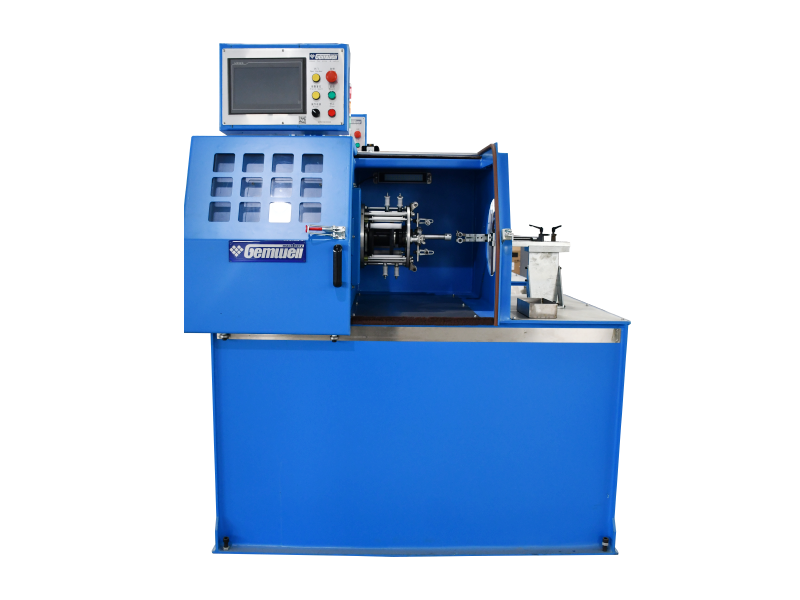
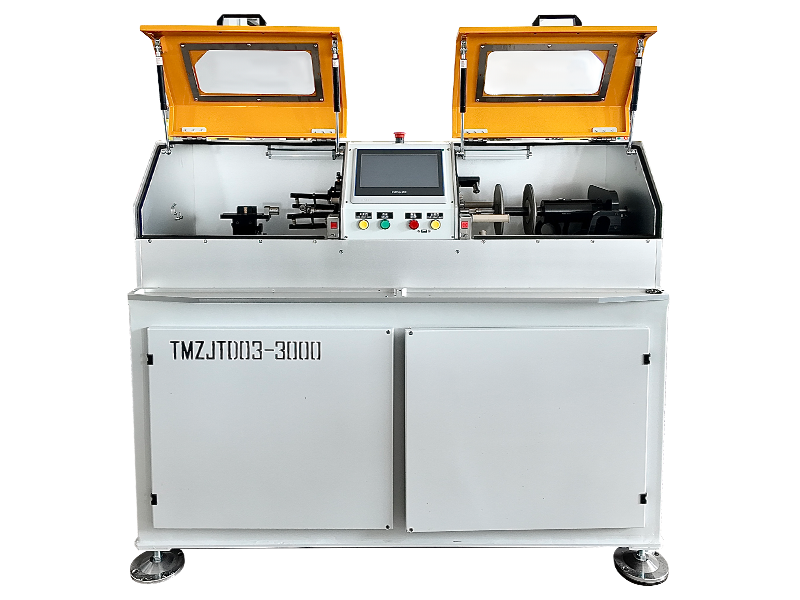
 Back Twist Pair Twisting Machine for Network Cable ProductionThis machine achieves precise pitch control and stress-free twisting of core wires, ensuring stable electrical performance. It suits manufacturers focused on high-consistency twisted pairs for Ethernet cables.View Product →
Ethernet Cable Categories: What the Numbers on the Jacket Mean
The category is a speed ceiling, not a speed promise. It defines the frequency range and the electrical margins a cable must pass, and those numbers decide what the link can negotiate. The table below shows the practical boundaries for the categories you will actually find in stores.
| Category | Bandwidth | Max Data Rate | Max Distance | Typical Use |
|---|---|---|---|---|
| Cat5e | 100 MHz | 1 Gbps | 100 m | Existing home and office wiring |
| Cat6 | 250 MHz | 1 Gbps at 100 m; 10 Gbps at 55 m | 100 m (1 Gbps); 55 m (10 Gbps) | Modern home and commercial installations |
| Cat6a | 500 MHz | 10 Gbps | 100 m | Pre-wiring, high-bandwidth permanent links |
| Cat7 | 600 MHz | 10 Gbps | 100 m | Shielded installations, Class F per ISO/IEC |
| Cat8 | 2000 MHz | 25 or 40 Gbps | 30 m | Data center equipment links |
The distance column is where planning mistakes hide. Cat6 supports 10 Gbps, but only over 55 meters; past that length it needs Cat6a. If you are pre-wiring a building and expect the network to survive future upgrades, Cat6a is the category that saves you from re-pulling cable.
Cat7 appears in many online listings, but it is defined in the ISO/IEC 11801 specification as Class F rather than in the TIA cabling documents, and it normally uses TERA or GG45 connectors instead of standard RJ45. In practice, Cat6a is the more compatible choice for anything using regular equipment. Cat8 targets data centers in short equipment links; Cat8.1 keeps the RJ45 form factor, but the 30-meter limit makes it wrong for building cabling.
Backward compatibility is absolute. A Cat8 cable plugged into a 1 Gbps switch runs at 1 Gbps; a Cat5e cable plugged into a 10 Gbps switch holds the link to the highest speed the cable can support, often 1 Gbps or 2.5 Gbps. The cable is not a speed source; it is a ceiling.
Shielding and Conductor Construction: What Affects Real-World Performance
Solid wire for walls, stranded wire for patch cords, and shielding only where the environment demands it. That one sentence covers most conductor and shielding decisions in real installations.
A solid conductor, usually 23 AWG in Cat6 or Cat6a, has lower DC resistance and better attenuation than a stranded conductor of the same outer diameter, and it holds its position once pulled into a conduit. Stranded conductors, typically 26 to 28 AWG, are used in patch cords because they survive repeated flexing, but they add attenuation. A long, thin, fully stranded cable is a common hidden cause of a link that negotiates 100 Mbps instead of 1 Gbps.
The insulation layer controls how evenly the signal travels. High-performance Ethernet cables use foamed or foam-skin polyethylene because microscopic air cells lower the dielectric constant and reduce crosstalk at high frequency. The extrusion process must hold wall thickness and concentricity within tight tolerances over the entire drum; a thickness variation of a few hundredths of a millimeter appears as an impedance discontinuity that reflects part of the signal. Cable plants apply the dielectric by running the conductor through an insulation extrusion line, where the screw design and cooling profile fix the final wall thickness.
Core Wire Insulation Extrusion Line for PVC/PE/PP/PUThis customizable extrusion line controls dielectric wall thickness and concentricity, which directly affect impedance and crosstalk. It is essential for producing consistent high-frequency insulation on signal and electronic wires.View Product →
Shielding is available in several configurations, and the choice is about the electromagnetic environment, not about quality.
| Code | Construction | Where It Fits |
|---|---|---|
| U/UTP | No shielding | Homes and offices away from heavy interference |
| F/UTP | Overall aluminum foil screen | General commercial areas and cable trays |
| U/FTP | Individually foiled pairs | Environments with high crosstalk risk |
| S/FTP | Outer braid plus individually foiled pairs | Industrial areas with motors and variable frequency drives |
A shield that is not continuous or not terminated at one end can perform worse than a good unshielded cable, because the floating screen collects noise instead of diverting it. In a normal home with short runs, U/UTP is sufficient. Near motors, welding equipment, or high-voltage lines, F/UTP or S/FTP makes a measurable difference.
Ethernet vs Wi-Fi: Where a Wired Connection Wins
For latency, jitter, and consistent throughput, Ethernet beats any wireless link at the same price. Wi-Fi wins on mobility and convenience only. That is the entire trade-off in one sentence.
| Metric | Ethernet | Wi-Fi |
|---|---|---|
| Typical LAN latency | 0.3 to 1 ms | 2 to 10 ms, varies with distance and walls |
| Throughput direction | Full duplex, send and receive at the same time | Half-duplex shared airtime |
| Speed stability | Constant after link negotiation | Drops with distance, load, and interference |
| Physical security | Requires access to the cable | Signal leaks outside the room |
| Mobility | None | Unrestricted within range |
Latency is the most visible difference. A wired hop through a switch is well under a millisecond, and jitter stays low. Wi-Fi adds several milliseconds of radio access delay even in a clean room, which is why wired connections remain the default for online gaming, trading, and voice over IP.
Throughput behaves differently too. Wired Ethernet is full duplex: a 1 Gbps link sends and receives simultaneously and manages close to 940 Mbps of actual TCP throughput. Wi-Fi shares the radio medium. Even Wi-Fi 7 negotiates airtime among all connected devices and loses efficiency in real traffic, so a 1.2 Gbps Wi-Fi link often carries less useful data than a 1 Gbps cable.
There is also the dependability angle. A wired link does not degrade when a neighbor network appears on the same channel or when many devices join an access point. For cameras, network drives, printers, and access points that must keep serving, wired is the safer foundation, and Wi-Fi becomes the convenience layer for phones and tablets.
How to Choose the Right Ethernet Cable for Your Setup
Match the category to the slowest Ethernet port at both ends, match the shielding to the electromagnetic environment, and choose solid or stranded according to whether the cable will be pulled once or flexed repeatedly. That simple process removes most selection errors.
Six practical selection steps
- Inventory the ports. List the link speeds of the router, switch, and devices. 1 Gbps ports run comfortably on Cat5e or Cat6; 2.5 or 5 Gbps ports need Cat6 for the full 100-meter channel; 10 Gbps ports need Cat6a beyond 55 meters.
- Measure the full path. Count every meter through walls, trays, and cabinet loops, then add both patch cords. Keep the total channel under 100 meters.
- Choose solid for permanent runs and stranded for patch cords. Solid 23 AWG for in-wall cable, stranded 26 to 28 AWG for patch panels and device cords.
- Survey interference sources. Power cables, motors, welding equipment, and heavy switching gear are the usual culprits. If the route comes close to any of them, use at least F/UTP; in extreme noise, use S/FTP.
- Plan for Power over Ethernet. Power over Ethernet in the 802.3bt class can deliver up to 90 W per port, and the conductor carries that current in addition to data. Thicker conductors such as 23 AWG solid handle the heat much better than thin stranded ones in tightly bundled cables.
- Check the jacket marking. A proper cable lists the category, the AWG size, and a production batch or reel marking. Missing markings make long-term maintenance difficult and are a supply chain risk.
What to avoid when buying
- Buying a higher category than the equipment supports and expecting a speed increase. A Cat8 cable on a 1 Gbps network still runs at 1 Gbps.
- Ignoring the distance rule, then blaming the switch for a link that negotiates at 100 Mbps on a 70-meter run made entirely of thin stranded patch cable.
- Running unshielded cable through a machine hall full of drives and motors, and then calling the network unreliable.
- Assuming all patch cords are identical. A 20-meter flexible stranded cord in a single piece is not the same electrical component as a 1-meter patch cord between the wall outlet and a computer.
From Copper Wire to Ethernet Cable: Inside the Production Process
An Ethernet cable's electrical properties are fixed at the factory. The typical production chain draws the conductor to size, extrudes the dielectric over it, twists two insulated cores into a pair, cables four pairs together, applies the optional shield, and finally extrudes the outer sheath. Each step leaves an electrical signature in the finished product.
| Process Step | Electrical Property Influenced | What Goes Wrong |
|---|---|---|
| Conductor drawing | DC resistance and elongation | Oversized or undersized wire raises attenuation |
| Insulation extrusion | Impedance and velocity of propagation | Eccentric insulation creates reflections |
| Pair twisting | Near-end crosstalk | Inconsistent twist length ruins crosstalk margins |
| Cabling | Alien crosstalk at the bundle level | Wrong pair timing makes pairs couple |
| Shielding and taping | Immunity to external noise | Gaps in the screen leak interference |
| Sheath extrusion | Mechanical and thermal protection | Shrinkage squeezes the pairs out of position |
The reason two cables with the same category perform differently is machine repeatability. On a disciplined production line, the tension while twisting is held steady across an entire drum, the extruder keeps the dielectric wall near constant, and the taping head lays the screen without tears. On a weaker line, the same design produces local defects that only appear when the link runs hot or at maximum distance.
A technical look at how pair-twisting mechanics keep timing and tension stable over long runs is available in this GEMWELL article on twin-twister precision in cable manufacturing.
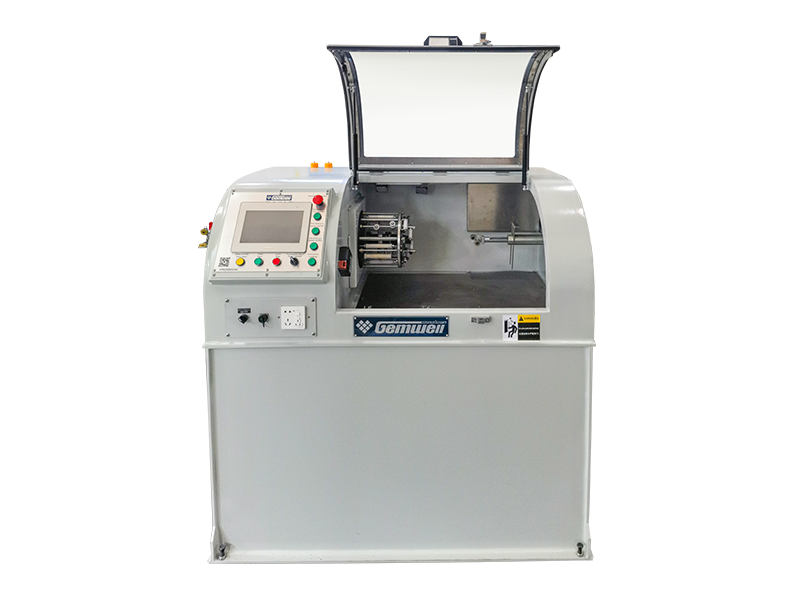
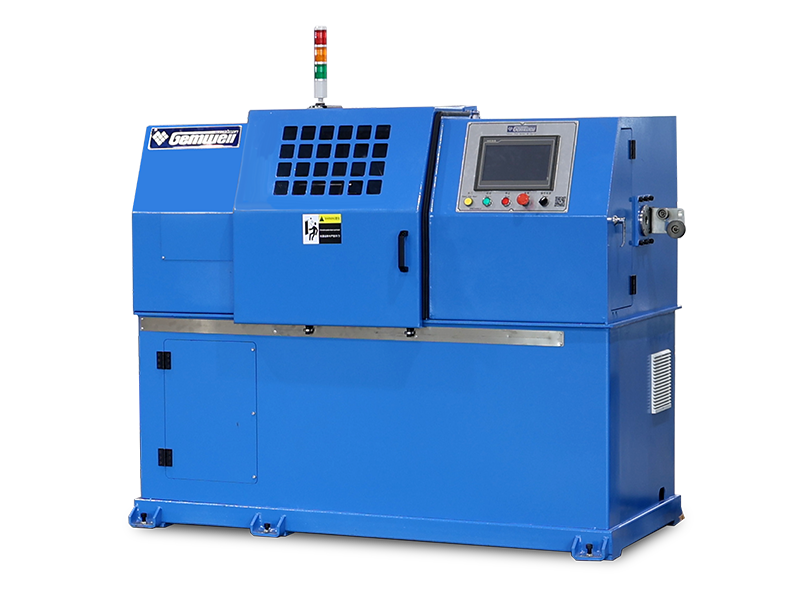
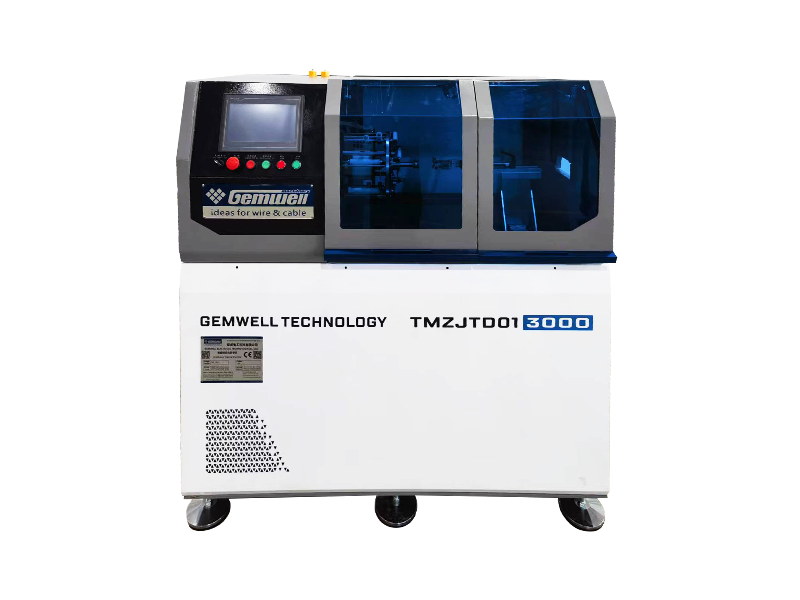
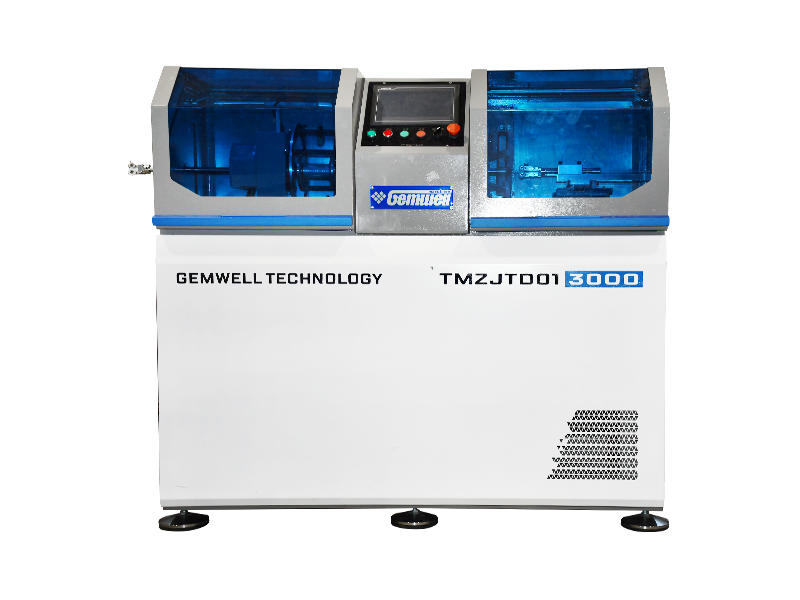
GEMWELL builds equipment for exactly this chain: core wire insulation extruders, torsion-free pair twisting machines, tape wrapping machines, and sheath extrusion lines. An overview of the complete equipment range is on the GEMWELL website.
The outer sheath is the last layer and the first thing you touch. It has to stay centered around the twisted core so the bend radius remains predictable and the pairs are not squeezed out of their geometric arrangement. A good sheath extrusion line keeps the wall uniform at line speed, which is why sheath equipment matters in the final quality of a cable.
Sheath Extrusion Line for PVC/PE/PP/PU Cable JacketsThis extrusion line produces uniform outer sheaths that keep cable geometry stable and bend radius predictable. It is critical for final cable durability and consistent performance across long installations.View Product →Frequently Asked Questions About Ethernet Cables
What is the best Ethernet cable for home use?
For a home with a Gigabit internet plan and a router with 1 Gbps ports, Cat6 is enough. If you are pulling cable inside walls and want to avoid re-pulling later, use Cat6a so a future 10 Gbps upgrade does not force a new cable.
Does a higher category cable make the internet faster?
No. The internet plan, the router port, and the device port set the speed. A better cable only removes a bottleneck; it cannot add speed beyond what the equipment supports. The real benefit of a higher category is headroom and a more stable link negotiation.
How long can an Ethernet cable be before the signal degrades?
The copper channel limit is 100 meters: up to 90 meters of solid horizontal cable plus 10 meters of stranded patch cords in total. If you need more distance, add an Ethernet switch or use fiber optics for the long section.
Is shielded cable necessary in a normal house?
In most homes, U/UTP is enough. F/UTP or S/FTP helps when the cable runs close to power cables, motors, or radio transmitters. Keep in mind that a shielded cable must be properly terminated and grounded at one end, otherwise the screen can pick up more noise than it blocks.
Can I use a Cat8 cable with an older router that has 1 Gbps ports?
Yes. Both ends negotiate the highest mutually supported speed, so the link runs at 1 Gbps and the cable is not a limitation. The reverse situation is the real problem: a low-category cable in a high-speed link holds the speed down.
Why does one Ethernet cable feel much stiffer than another?
Stiffness comes from conductor gauge, insulation materials, and jacket composition. Solid 23 AWG conductors are stiffer than thin stranded wires, and standard PVC jackets are stiffer than flexible compounds. High-frequency cables frequently use rigid foam dielectrics that also add stiffness. Neither is automatically better; it depends on the route and the bend radius you need.
The physical layer determines everything above it. A good cable will not fix a weak router, but a bad cable silently limits a strong one. When you plan a new run, decide the category from the ports, respect the distance limit, and match the construction to the environment; that process filters out most connection problems before they exist.
The performance figures in this article are based on the IEEE 802.3 specification and the TIA and ISO/IEC cabling documents that define Ethernet cable categories.
 Related Products